
NASBTT will directly send you an email with instructions and a link to register your account. Once your account is set up, to access any of the assessments or Mentor Development modules, go to NASBTT Learn and log in…. https://nasbtt.nimbl.uk/nasb/login/
Clicking on ‘My Courses’ at the top of the page should take you to your available course list.
Click on the module you want to visit. Click ‘Read’ to begin.
You can engage with the complete materials if you want, or if we have covered the topic in our sessions, navigate straight to the End of Module to complete the assessment.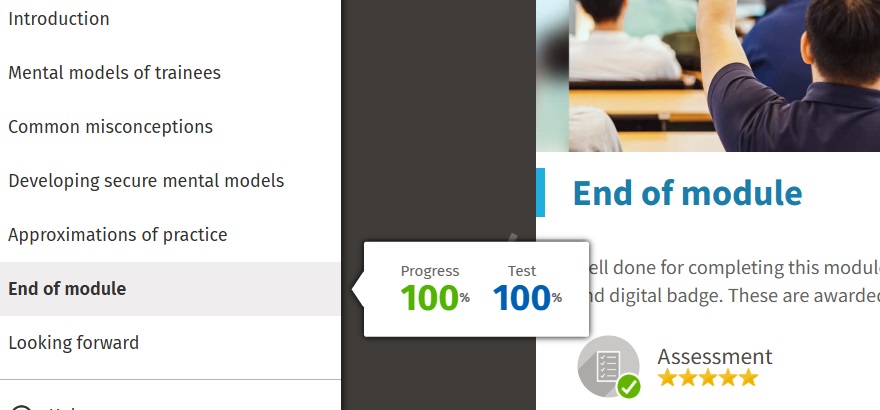 Modules covered so far post-induction:
PGCE
October 3rd – How Trainees Learn, Leaning from Each Other, ITTECF Key Evidence bases.
October 23rd – Mentoring or Coaching, Observing your Mentee
November 20th – Reflective Practice, Difficult Conversations
December 11th – Mentees and Metacognition, Understanding Assessment
BA
13th November – How Trainees Learn, Leaning from Each Other
10th December – Mentoring or Coaching, Observing your Mentee, Understanding Assessment